

TabBurrow
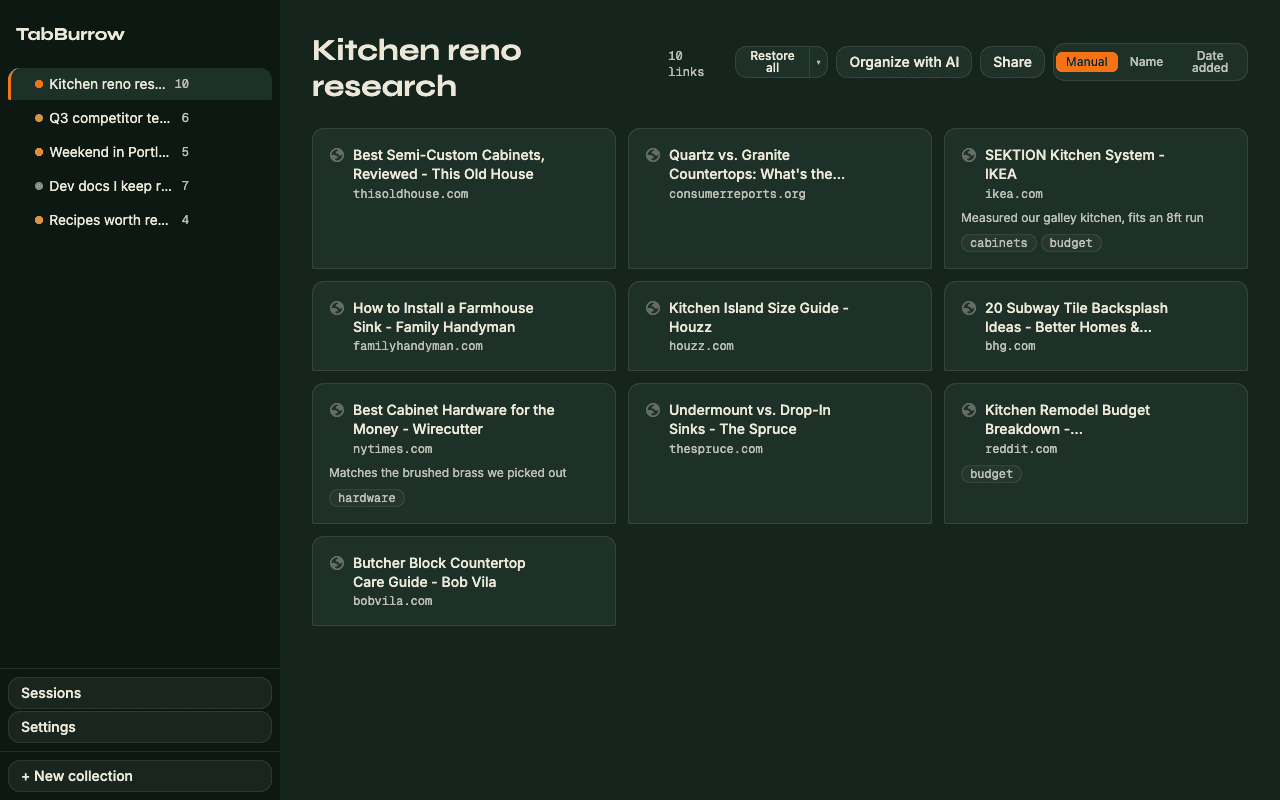
An open-source, local-first tab and bookmark manager for Chrome. Save a tab, a selection, or a whole window in one click with zero signup, then let on-device AI sort it into folders.
Free and open source. PRO adds cloud sync and cloud AI for $3.99/month or $29/year.
Why I built it
TabBurrow started as an answer to a simple problem: tab managers either want an account before they will do anything useful, or they quietly ship your browsing history to someone else's server. TabBurrow keeps everything in local storage in your browser by default, works the moment you install it, and only asks for an account if you want cloud sync across machines. The AI organizing runs on Chrome's built-in Gemini Nano model when your browser supports it, which means it costs nothing and your tabs never leave the device.
What it does
- Save one tab, a selection, or an entire window in a single click
- Local-first: your data lives in your browser, with no signup required
- Organize with AI on-device via Chrome's built-in Gemini Nano, at no cost
- Session capture and crash restore so you never lose a working set
- Open source under AGPL-3.0, self-hostable end to end
Questions about TabBurrow
- Is TabBurrow free?
- Yes. TabBurrow is free and open source under the AGPL-3.0 license, and the core tab and bookmark management works with no account at all. An optional PRO plan ($3.99/month or $29/year) adds cloud sync across devices, shareable pages, and unlimited cloud AI organizing.
- Does TabBurrow send my tabs to a server?
- No, not by default. TabBurrow is local-first: your folders and links are stored in your browser. AI organizing runs on-device using Chrome's built-in Gemini Nano model where available. Data only leaves your machine if you turn on PRO cloud sync or use cloud AI organizing.
- How is TabBurrow different from Toby or Partizion?
- TabBurrow is open source and local-first, so you can read the code, self-host the sync backend, and use the whole product without creating an account. It also does free on-device AI organizing through Chrome's built-in model, rather than routing every request to a paid cloud API.